Local DNS VPN, Own DNS firewall, Walkie Beta QR and network tools for Android TV and Android

One app for DNS control and home-network diagnostics.

Custom DNS Switcher started as a simple DNS switcher. The current app also covers per-app DNS, Own DNS local filtering, Wi‑Fi analysis, SSH, Speed Test, LAN tools, TV launcher helpers, local configuration transfer and a new Walkie Beta QR module for compatible phones.

Not a VPN for changing country. The app uses Android VpnService locally to handle DNS on the device. Walkie Beta QR is a Premium Google Play module for phones/tablets; the classic Bluetooth Walkie remains separate.

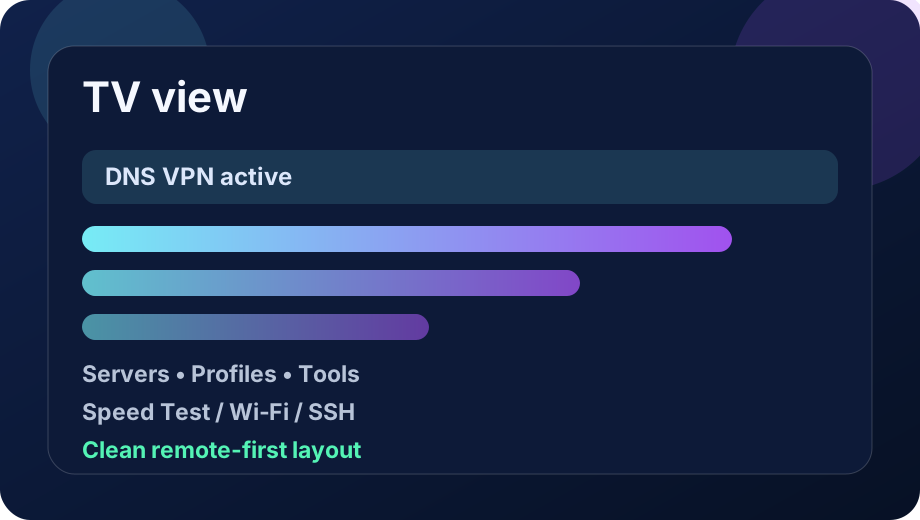
TV view: DNS dashboard, VPN status and quick shortcuts.
App preview

App preview

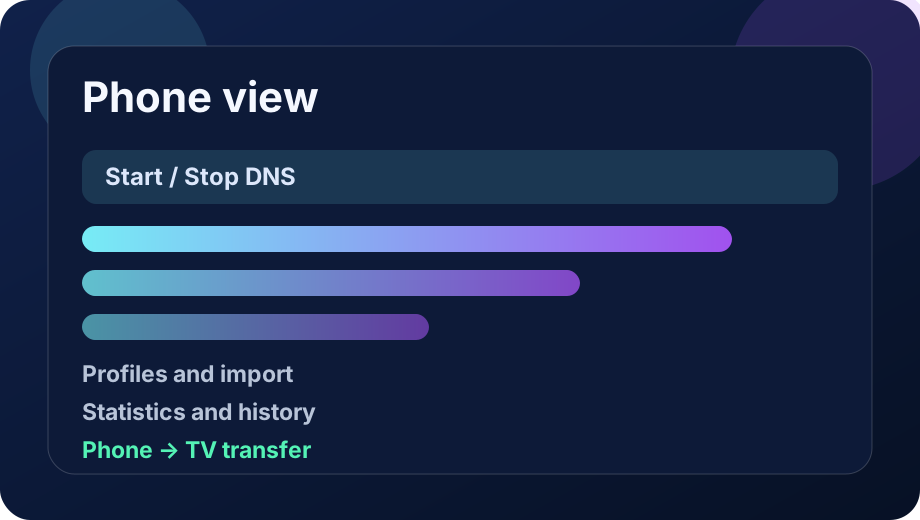
The images below are localized mockups based on the programmed app UI. They are not emulator screenshots, but they show the main TV and phone screens.

Phone view: dashboard, profiles, import and statistics.
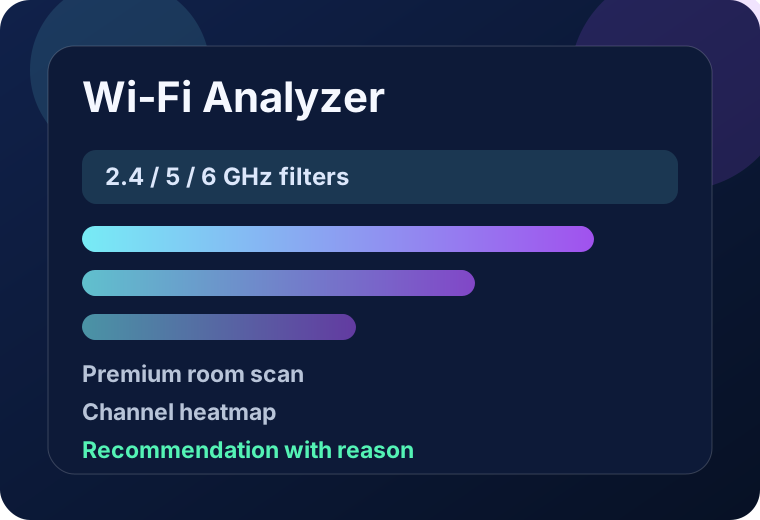
Wi‑Fi Analyzer: channels, bands, room-scan history and recommendations.
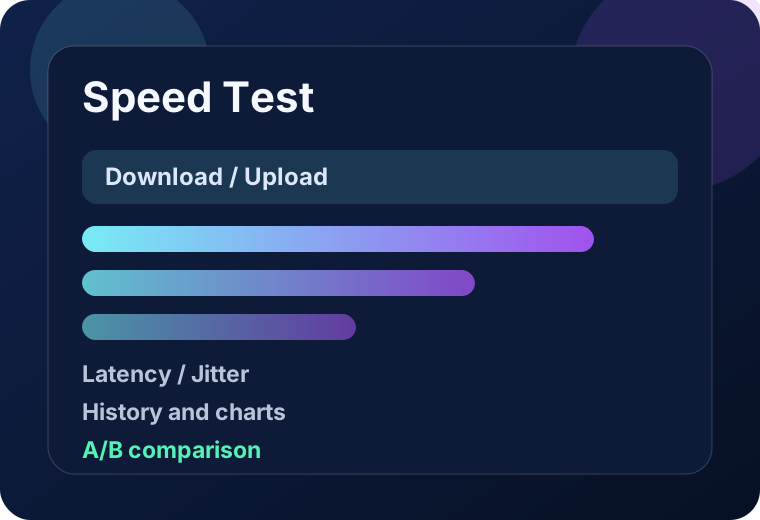
Speed Test: download, upload, latency, jitter, history and comparison.
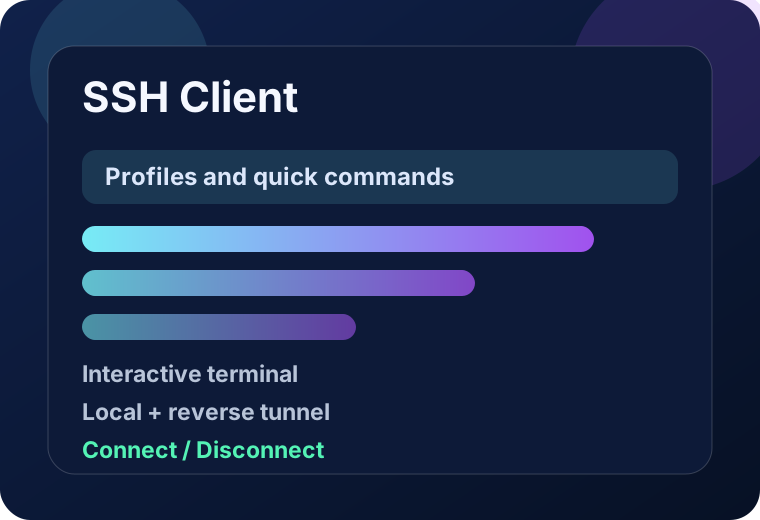
SSH Client: profiles, commands, terminal and tunnels.

Privacy and operating model

No account, no ads and a local-first design. Technical data stays on the device unless the user explicitly runs a network tool, connects to DNS/SSH services, shares an export or uses Google Play billing.

Walkie Beta QR works locally/offline over Nearby Connections, and Own DNS stores full domain logs only after the user turns that option on.

Free/Premium

Free vs Premium Lifetime

Free covers classic DNS switching and quick checks. Premium Lifetime unlocks encrypted DNS, Own DNS, automation, SSH, room Wi‑Fi scans, advanced statistics and Walkie Beta QR.

Free

Free version

  • Connect / disconnect local DNS VPN
  • Custom classic DNS IPv4/IPv6
  • Basic DNS library and manual server selection
  • DNS mode for all apps
  • Basic status, logs and My Address
  • Basic stationary Wi‑Fi scan
  • Quick Internet Speed Test sample
  • Basic website reachability and network checks
Premium Lifetime

Premium Lifetime

  • Saved DNS profiles, app groups and child/profile presets
  • Per-app DNS / split tunneling
  • Encrypted DNS DoH/DoT plus NextDNS and Control D helpers
  • Smart Profiles with schedule-based switching
  • Own DNS local firewall with ads/trackers/malware/telemetry filters
  • Custom rules, HTTPS sources, domain test and filter dashboard
  • QR transfer and local phone → TV configuration transfer
  • SSH client, terminal, quick commands and local/reverse tunnels
  • Wi‑Fi room scanner with history, comparison, charts and recommendations
  • Full Speed Test with upload, latency, jitter, regions and history
  • LAN discovery, Wake-on-LAN, Stability Monitor and advanced diagnostics
  • Optional local DNS statistics, top domains and diagnostics export
  • Walkie Beta QR for compatible phones over Nearby Connections
  • Cloud Backup Beta is still roadmap; local export is available today
Full feature manual

Full feature manual

What the key modules do: classic DNS, Own DNS, Walkie, Wi‑Fi, SSH, LAN, Speed Test, transfer, privacy and TV setup.

Home screen

  • Shows the Free/Premium plan, DNS VPN state, selected resolver, recent diagnostics and quick entries into the main modules.
  • Start requests Android VPN permission and enables local DNS handling; Stop disables DNS VPN.
  • TV builds also show launcher and shortcut guidance.

Classic DNS and servers

  • Free covers classic DNS IPv4/IPv6 and the basic resolver library.
  • Premium adds DoH, DoT, NextDNS, Control D plus saved profiles and app groups.
  • Per-app mode can cover all apps or only selected apps.

Own DNS step by step

  • Own DNS is a separate experimental Premium mode: it filters domains locally first, then resolves allowed domains through encrypted DoH/DoT upstream.
  • The fastest start is Apply preconfigured profile, then fine-tune upstreams, filters and custom rules.
  • Run Test before Connect after every change. The app also warns when DoH/DoT format does not match the upstream.

Own DNS privacy and stats

  • Built-in lists cover ads, trackers, malware and telemetry; custom HTTPS sources can be added and toggled separately.
  • The dashboard shows active rules, blocks today, cache hit, queries, upstream latency, errors and the last update time.
  • Full domain logging is off by default. If enabled, data stays local for up to 7 days and can be cleared or exported as full/anonymized JSON.

Apps, profiles and automation

  • Premium saves DNS profiles, app groups and child/profile presets.
  • Smart Profiles switch DNS/profile by schedule and can restore a return profile.
  • Autostart can reconnect current settings or a selected profile after Android TV boot.

Network tools and Wi‑Fi

  • Available tools include DNS ranking, website reachability, My Address, LAN discovery, Wake-on-LAN and Stability Monitor.
  • Free includes a quick stationary Wi‑Fi scan on the current device.
  • Premium Wi‑Fi room scanner stores named points, local history, comparisons, charts and channel recommendations.

Speed Test

  • Free offers a quick sample.
  • Premium full mode measures download, upload, latency and jitter, supports Auto/EU/US/custom URL and keeps local history with A/B comparisons.
  • Full tests transfer real data, so they can consume mobile quota.

SSH and configuration transfer

  • Premium SSH includes saved profiles, password or key login, terminal, quick commands and local/reverse tunnels.
  • Import/export covers settings, rules, hosts and QR codes. URL/file imports are one-shot, not background sync.
  • Phone-to-TV transfer works locally over LAN with code/PIN, without cloud.

Walkie Beta QR

  • This is a Premium Google Play module for compatible phones and tablets; it does not launch on Android TV. Classic Bluetooth Walkie remains separate.
  • The host creates a room and shows a QR/invite code. A participant scans the live QR, picks a gallery image or pastes the code manually.
  • Transport is local/offline through Nearby Connections. Voice is half-duplex hold-to-talk, plus call alert, speaker toggle, chat and compressed photos.

TV launcher and settings

  • On some TVs, including Sony models, Android TV does not pin new apps automatically. Open the Apps row, long-press OK and choose Pin to Home / Add to Favorites.
  • The app also publishes a leanback shortcut for the launcher.
  • Settings cover language, theme, VPN settings shortcut, Kill Switch Assist, cache/reset, logs and the privacy policy.
What buttons do

What buttons do

Key actions on the DNS, Own DNS, Walkie and network-tool screens.

ButtonAction
StartRequests Android VPN permission and starts local DNS handling.
StopStops the local DNS VPN.
ServersOpens the library of classic/encrypted DNS servers and custom resolvers.
AppsPremium: choose which apps are covered by DNS / split tunneling.
Own DNS settingsOpens configuration for the experimental Own DNS mode.
Apply preconfigured profileLoads a ready-made Own DNS profile for quick testing.
Test upstream connectionChecks the DoH/DoT upstream and saves the last test result.
Connect Own DNSEnables the Own DNS profile after successful configuration and testing.
Update filters nowDownloads / refreshes active filter lists and recompiles the rules.
Add HTTPS sourceAdds a custom domain-list source over HTTPS.
Test domainExplains whether a domain will be blocked, redirected or sent upstream.
Export domain logExports the full or anonymized Own DNS domain log on user request.
CREATE QR ROOMCreates a Walkie Beta QR room and shows the code to participants.
SCAN LIVE QRStarts QR scanning and tries to join the Nearby room.
Paste invite codeLets you paste a `cdswalkie://join` link or a raw room code.
HOLD TO TALKHalf-duplex PTT: you speak only while the button is held.
Call alertSends a sound/vibration alert to other participants.
Speaker ON/OFFSwitches playback between loudspeaker and earpiece mode.
Send photoSends a compressed image locally to the room participants.
Scan Wi‑Fi nowRuns a quick Wi‑Fi scan on the current device.
Wi‑Fi room scannerPremium: opens room-by-room Wi‑Fi scans with history and comparisons.
Connect SSHOpens an SSH session for the selected profile.
Start tunnelStarts local port forwarding over SSH.
Full Speed TestPremium: full download/upload/latency/jitter test with history.
Receive on TVStarts the local phone → TV configuration receiver over LAN with PIN.

Privacy in short

DNS queriesClassic DNS queries and allowed Own DNS queries are sent to the resolver selected by the user.
Own DNS logsFull Own DNS domain logs are off by default. If enabled, they stay local for up to 7 days and nothing is uploaded automatically.
Own DNS filter sourcesThe app uses bundled lists or user-supplied HTTPS URLs. Updates run on demand or through auto-update.
Walkie Beta QRMessages, audio and photos travel locally between participants over Nearby Connections/Bluetooth/Wi‑Fi, without the app owner's cloud.
SSH profilesSSH hosts, users, passwords/keys and commands are stored locally if you save a profile.
Wi‑Fi AnalyzerSSID/BSSID, channel, band and RSSI can be read from Android Wi‑Fi APIs and stored locally for room scans.
Speed TestFull tests upload and download data to the selected endpoint; Premium history stays local.
Transfer and QRExport, import, QR and phone → TV transfer run locally or only on user request.
PurchasesPremium Lifetime and Play modules are handled by Google Play; the app does not see full payment-card details.

Documentation

The complete user manual now lives on a dedicated documentation page with full tutorials, feature explanations and Free/Premium differences.

Go to documentation

User documentation

Full tutorials and change log

The home page stays a shortcut. The full user documentation now explains Own DNS, Wi‑Fi Analyzer room scans, Walkie Free and Walkie Beta QR, SSH, Android TV, widgets, import/transfer and every important Free/Premium difference in detail.

Documentation and tutorials

A structured help page with a table of contents, step-by-step instructions and practical descriptions for every major app feature.

Open documentation

Change log

A complete version list prepared from `CHANGES-*.txt` files plus newer local commits up to generation 3.11.93.

Open change log